Pick up where you left off
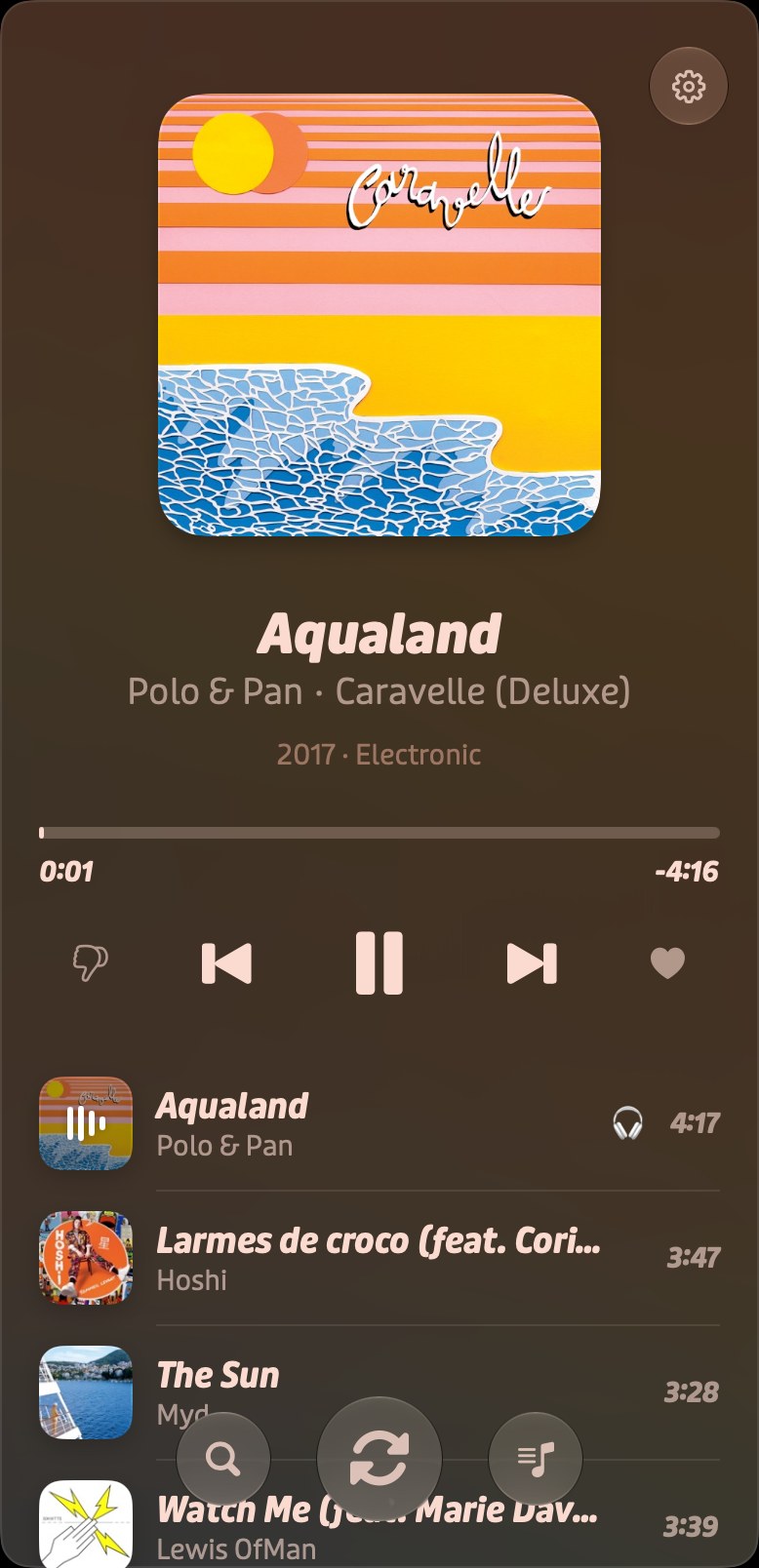
Come back tomorrow to the same song, at the same second, with the same Up Next. Press play and it just keeps going.
 Play
PlayThat’s why I built Play
A simple app that focuses on playing music and looking good doing it.
Requires macOS 26 or iOS 26 with an Apple Music subscription
Autoplay
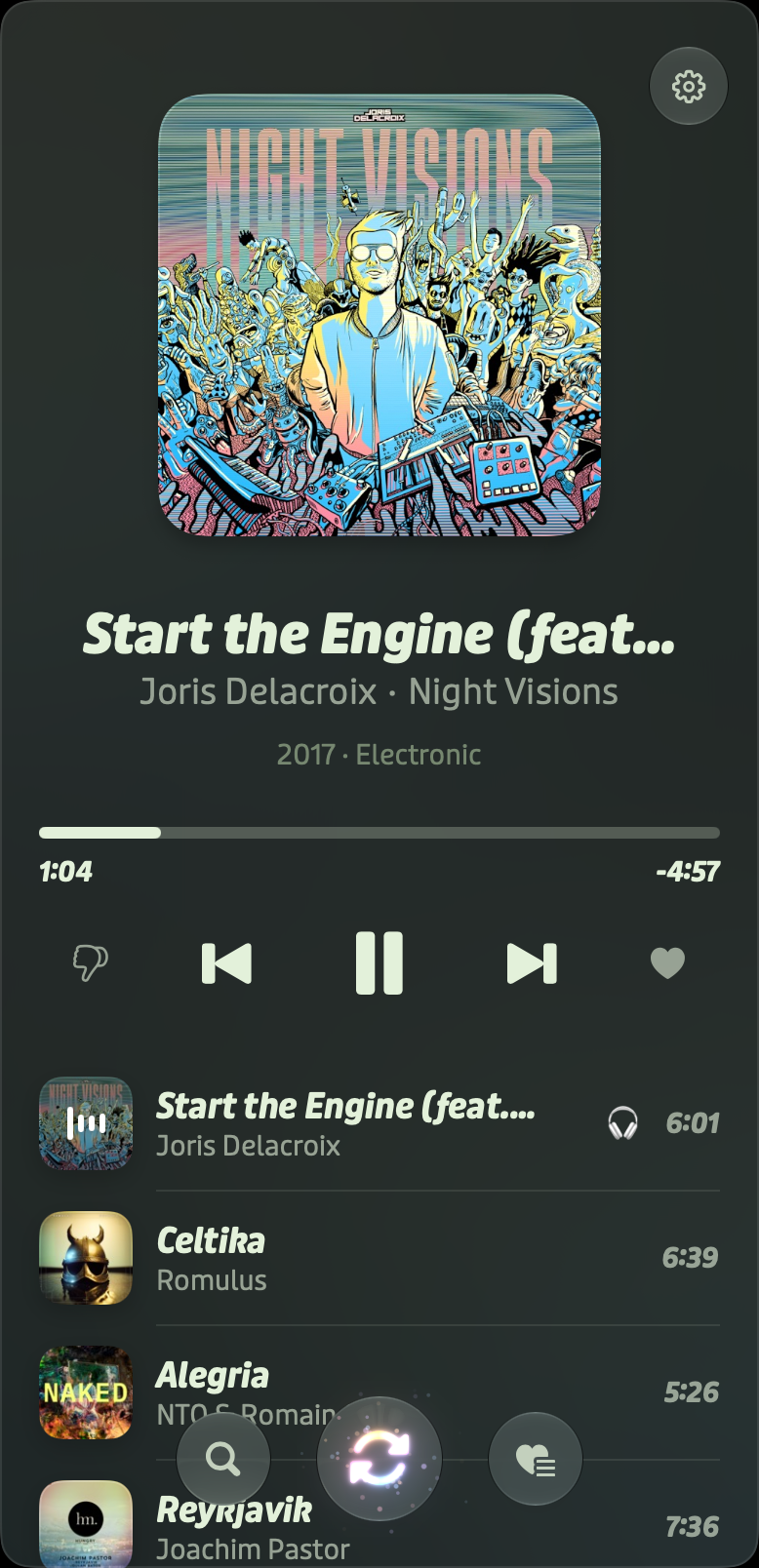
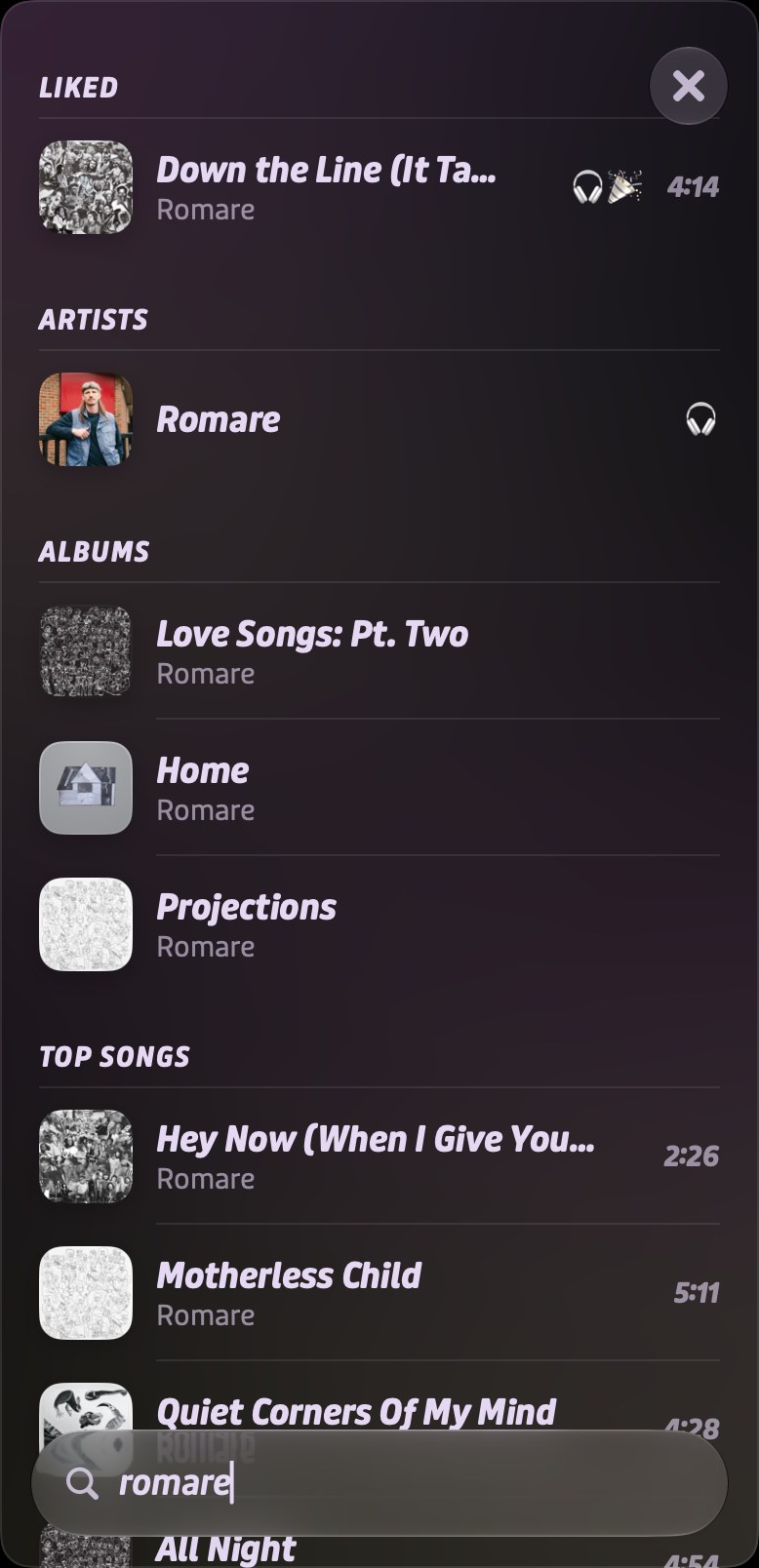
No searching, no scrolling, no deciding. Shuffle always opens on a song you love. Play takes it from there with top songs from similar artists. Not feeling it? Hit shuffle again.
Shuffle starts with a song you love
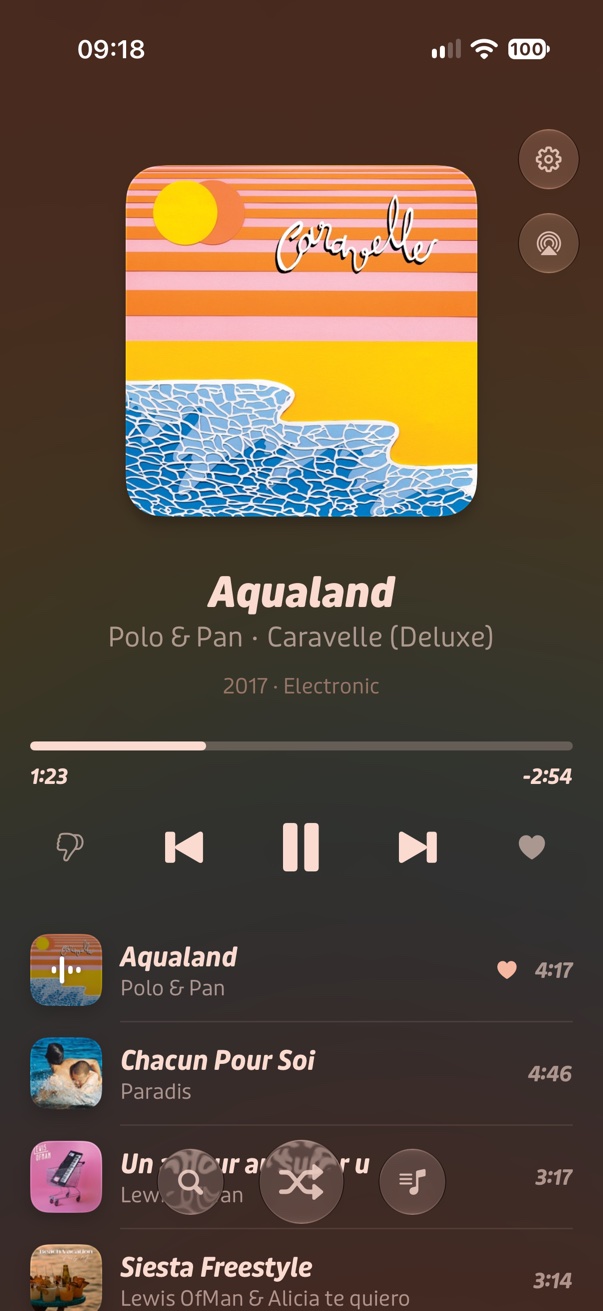
Then top songs from similar artists
 Chacun Pour SoiParadis
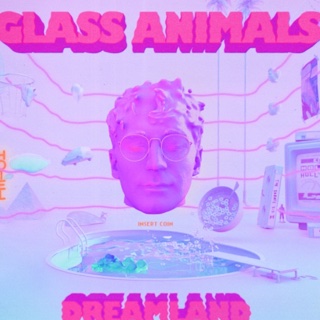 Heat WavesGlass Animals
 Siesta FreestyleLewis OfMan & Alicia te quiero
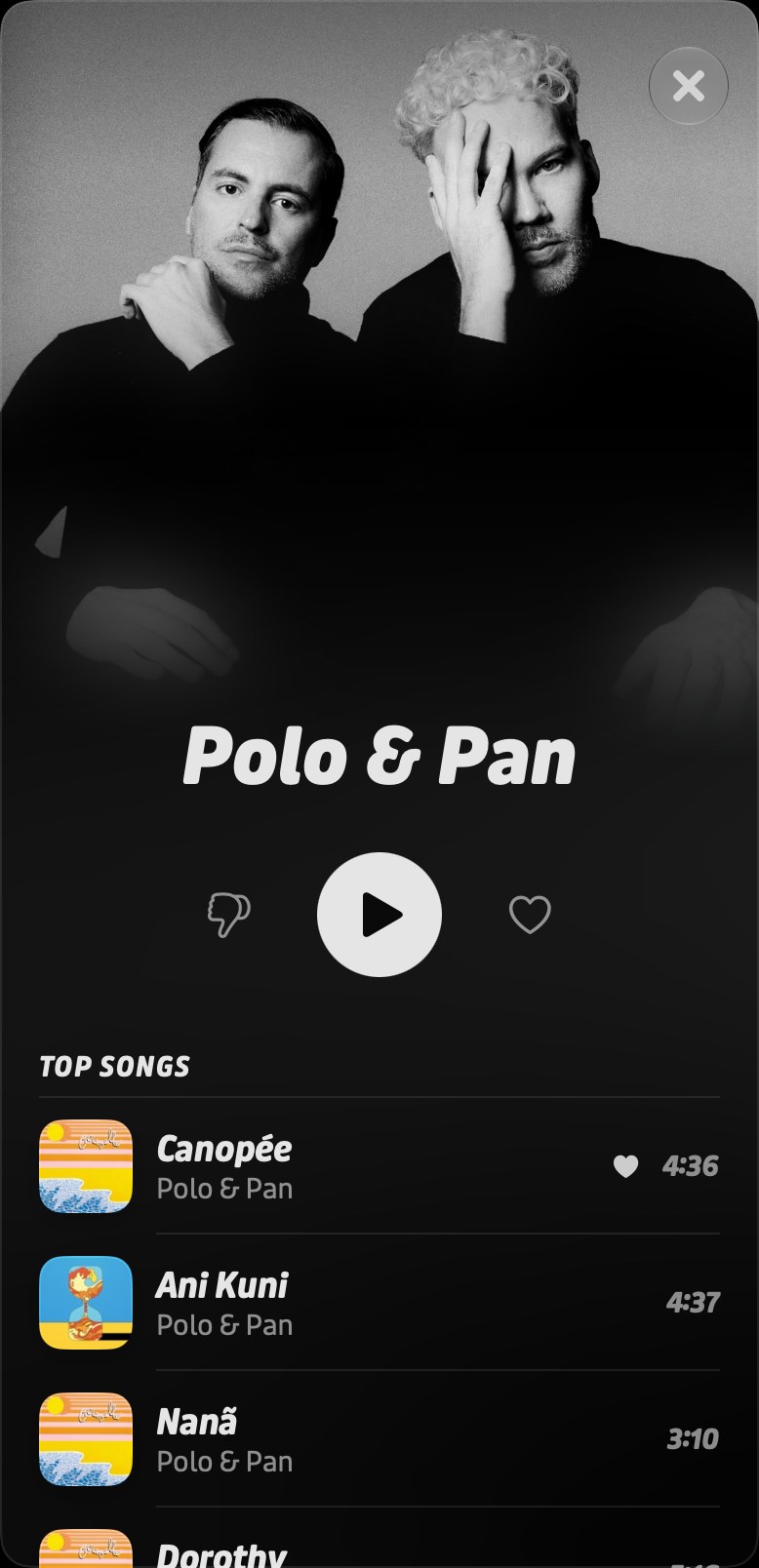
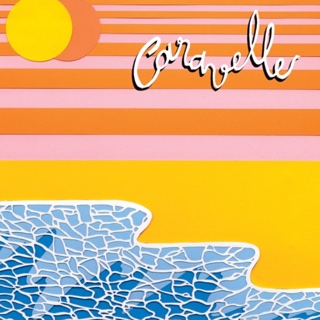 CanopéePolo & Pan
Love & dislike
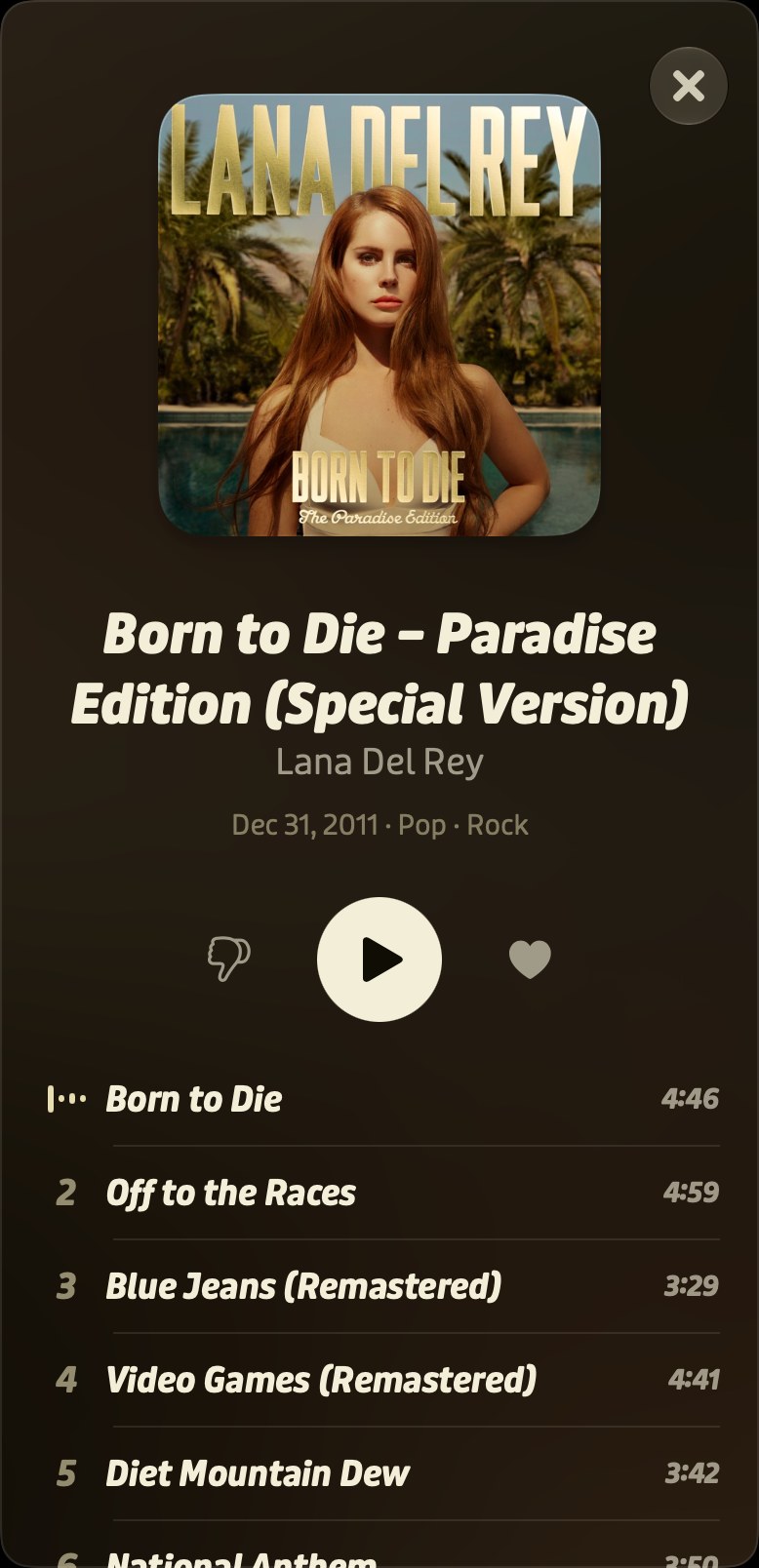
Add? Star? Download? Rate? Play has only two: love and dislike. Tag your loves with optional moods like Kids, Evening Jazz, Hangout or Work, then shuffle just that mood. Dislike a song or a whole artist and it never comes back.
Continuity
Quit the app, restart your Mac, pick up your phone. Your session is always restored, right where you left it.
Come back tomorrow to the same song, at the same second, with the same Up Next. Press play and it just keeps going.
Started playing from a device no longer with you? Skip, pause, or pick something new from any other device. No getting up, no AirPlay menus.
Stop listening on your Mac and open Play on your phone. The song you were on is already waiting, along with your loved songs, moods and recent searches, synced through your own iCloud.
*Requires both devices to be signed in to the same iCloud account
The basics
Why it’s free
Play is free. No paid tier, no ads, no tracking. I built it for myself, because I love music, but Music.app slowly made me hate listening to it. I figured I wasn’t the only one, so here it is.
Yes, I used AI to build it. Code is cheap now. What’s still hard is deciding what goes into products, and above all what stays out. Every screen and every button in Play went through that filter.
— Sam
Try it free on TestFlight, on Mac and iPhone